
Epson EcoTank ET-2803 Wireless Color All-in-One Cartridge-Free Supertank Printer with Scan, Copy and AirPrint Support
Epson · ASIN: B0BHXNP6B1
Key Features
- Innovative Cartridge-Free Printing ― No more tiny, expensive ink cartridges; each ink bottle set is equivalent to about 80 individual cartridges (2)
- Dramatic Savings on Replacement Ink ― Save up to 90% with replacement ink bottles vs. ink cartridges (1) – that’s enough to print up to 4,500 pages black/7,500 color (3)
- Stress-Free Printing — Up to 2 years of ink in the box (4) – and with every replacement ink set – for fewer out of ink frustrations
- High-Capacity Ink Tanks ― Epson’s exclusive EcoFit ink bottles make filling easy and worry-free
- Zero Cartridge Waste ― By using an EcoTank printer, you can help reduce the amount of cartridge waste ending up in landfills
- Impressive Print Quality ― Unique Micro Piezo Heat Free technology produces sharp text – plus impressive color photos and graphics – on virtually any paper type
- Built-In Scanner & Copier ― High-resolution flatbed scanner and a color display for easy document copying and navigation
- Modern Connectivity ― Features wireless, plus hands-free voice-activated printing (5). Easily print from your smart device (6) using AirPrint or the intuitive Epson Smart Panel app (7)
- Use Genuine Epson Ink ― For optimal print quality and performance. Non-genuine ink could cause damage not covered by the printer’s ltd. wnty.
About This Product
Your family needs a printer that’s fast, affordable, and easy to use. That’s why we developed the EcoTank ET-2803 – an innovative cartridge-free solution that uses high-capacity, easily refillable ink tanks. So you’ll worry less about running out of ink, and save a lot on replacement ink (1). The ET-2803 features genuine Epson print quality, a high-resolution flatbed scanner, and convenient color display – making it the ideal basic home printer. Epson strongly recommends the use of genuine ink to ensure optimal print quality and performance. Use of non-genuine ink could cause damage not covered under the printer’s ltd. wnty. | 1. Actual savings and costs will vary considerably based on print tasks, print volumes and usage conditions. Savings and cost per ISO page are based on the cost of replacement ink bottles and the cost of enough standard cartridges to achieve the total page yields of the bottles using the MSRP (USD) and yields for Epson standard-capacity ink cartridges for similarly featured Epson consumer inkjet printers as of March 2024. | 2. Individual cartridges estimate based on print yields of an included or replacement set of black and color ink bottles as compared to Epson standard-capacity ink cartridges for similarly featured printers as of March 2024. | 3. Part of the ink from the included bottles is used for initial setup; yields are lower than those of replacement ink bottles. Replacement and included ink bottle yields based on the ISO/IEC 24712 pattern with Epson’s methodology. Actual ink yields will vary considerably for reasons including images printed, print settings, temperature and humidity. Yields may be lower when printing infrequently or predominantly with one ink color. All ink colors are used for printing and printer maintenance, and all colors must be available for printing. For more information, visit www.epson.com/inkinfo | 4. Based on average monthly document print volumes of about 125 pages. | 5. See www.epson.com/voice for device compatibility. Epson Connect™ account and voice-activated account registration required. | 6. Most features require an Internet connection to the printer, as well as an Internet- and/or email-enabled device. For a list of Epson Connect enabled printers and compatible devices and apps, visit www.epson.com/connect | 7. Requires Epson Smart Panel app download. Data usage fees may apply.
Product Details
- Brand
- Epson
- Model
- C11CJ66203
- Dimensions
- 57.9D x 37.6W x 25.4H centimetres
- Weight
- 3.99 kg
- Manufacturer
- Epson
- Date First Available
- 5 Mar. 2024
- ASIN
- B0BHXNP6B1
Customer Reviews Summary
Had an Epson Workforce 840 and Windows 11 would not play nice with it. Last software update killed it completely. Guess it was planned obsolescence. Anyway...bought this ET-2803 and it works so far. Setup was convoluted but simple in a way. Wifi was a snap once I found I could not do it from my computer. Firmware update was the same, only on the printer control panel would it work. If you run into a snag, just check the screen on the printer. I had to do this three times to complete connecting to first computer. Second computer was much quicker since groundwork was already laid. I've only printed a test print on computer 1. Computer 2 would not print test page but it did print a screen capture fine. It took around an hour to load software, firmware and updates. Fast print is pretty washed out. Normal print is pretty good. I suppose the photo quality print would be the go-to for darker prints. Ink was a snap. I read of people having issues with it pouring out on printer. These ink bottles did not drip even after filling tanks. The Et-2803 weighs about 1/4th of my Workforce 840 and is much smaller. That is not an issue. As long as it works well, I'm happy. Let's print...
Related Products
HP 67XL | Ink Cartridge | Black | 3YM57AN

Canon Zinc Photo Paper 20 Sheets 4.25 Inches x 2.50 Inches x 0.75 Inches
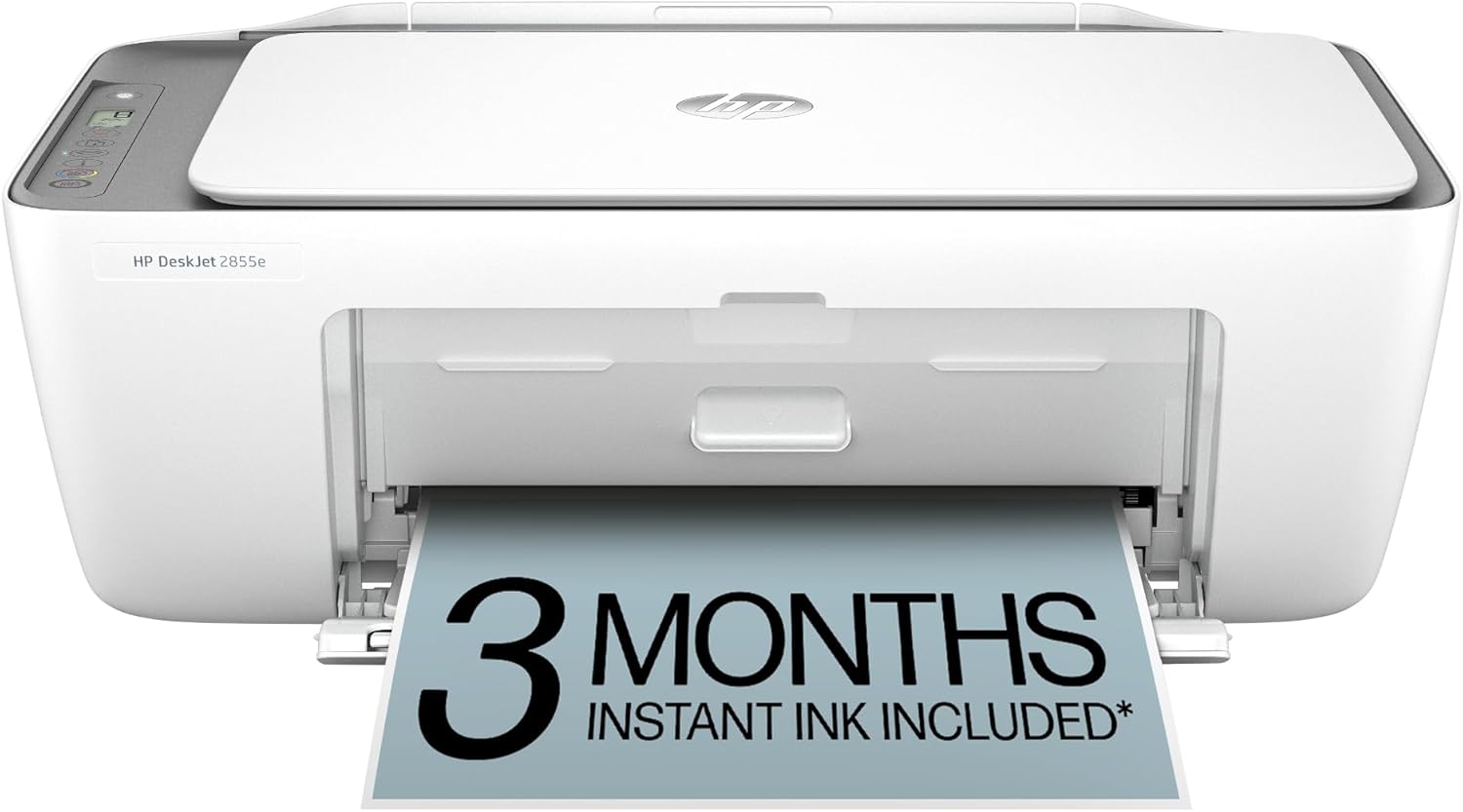
HP DeskJet 2855e Wireless All-in-One Inkjet Printer, Scanner, Copier, Ideal for Home, 3 Months Ink Included (588S5A)
