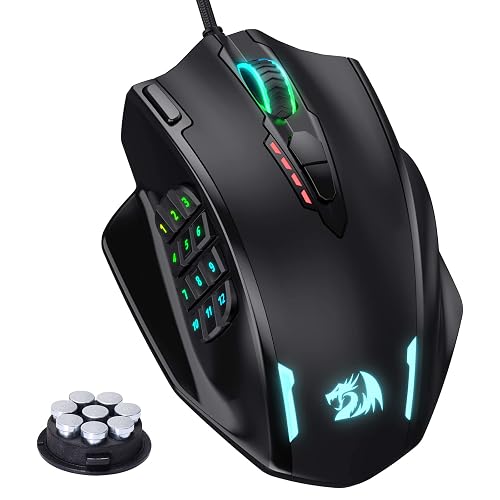
Redragon M908 Impact RGB Gaming Mouse, 12,400 DPI Wired Laser MMO Mouse with High Precision Actuation, 12 Macro Side Buttons and 16.8 Million Customized Breathing Backlight for PC/Laptop
Redragon · ASIN: B07FK9PKSM
No Amazon ratings captured for this listing yet.
About This Product
Redragon M908 Impact RGB Gaming Mouse, 12,400 DPI Wired Laser MMO Mouse with High Precision Actuation, 12 Macro Side Buttons and 16.8 Million Customized Breathing Backlight for PC/Laptop
Product Details
- Brand
- Redragon
- Model
- M908
- Color
- Black
- Dimensions
- 12.22 x 9.19 x 4.19 cm; 290 g
- Manufacturer
- Redragon
- Date First Available
- July 13 2018
- ASIN
- B07FK9PKSM
Customer Reviews Summary
I like my G600 but hate its wire. Decided to try M913 many because it is cheap and really I did not expect it to work. But it does. This is crazy. I enjoy using mouses with multiple buttons while working and I am really into macros. Talking about macros, M913 is godlike.First of all, M913 stores all your macro "on-the-board". This means the mouse has its own memory and it literally remember the macros. In other words, if you just unplug it and plug into a different PC, macros will work. This is simply crazy. This is a premium feature and for those famous brand it is usually only available on the most expensive models. Consider the price doubled if it is wireless.The second craziness comes from the mouse's driver, which you can download from their website. According to its graphical interface, it seems like a super old framework is used (winform?). But its functionalities are perfect. Similar as other brand's driver, it allows you to record keystokes. The different thing is, it allows to change every single keystroke separately after you have record the macro. The stall time between each keystroke can be customerized as well.Drawbacks:1. Side buttons' clicking feel is not as good as G6002. Side button's angles are not as perfect as G600. Can be a problem for MMO mouse rookies (mis-click)3. DPI buttons cannot be customized4. RGB can hardly be customerized5. Does not have shift functionalities like G600's G-shift6. Wheel cannot be tilt. This make it 2 buttons less. And that two are actually the best kind of buttons: easy use & hardly misclick.7. Driver's keystroke recording mechanism does not work with 'win' button well. Pretty sure this is a bug. But an easy workaround is to replace the 'win' button with something else (e.g. 'A') while recording, and change that specific key later manually. That is what happen when you actually spend time to build a robust driver, partial functionalities is sufficient to still make things work.Overall:As can be seen the drawbacks are basically tiny issues. This mouse has no critical problem and did what it advertised. I am really surprised by its driver, it does have problem but I feel it is more robust than Logitech G Hub. Ugly thing that work is always better than fancy stuff that does not work. Finally the price, it is simply too cheap. Reddragon built a 50 bucks product that stands the same level as other brands' 150 bucks mouse. I recommend this product.Update:It seems like not only the key stroke recording process has problem with "win", same issue applies to the default profile auto save. If you create a macro with "win" using my workaround and deploy to your mouse, it will work. However, if you restart your driver, the "win" key will disappear in your macro. I think there is something wrong with its save/load functionalities for the default profile (it cannot recognize "win" and decides to ignore it). Fortunately its customer export/import feature does recognize "win", and therefore you can keep your "win" key by creating backup manually.
Related Products

Redragon M612 Wired RGB Optical Gaming Mouse 8000 DPI Remapping Keys | Stable Lag-Free Connection, Redefine Keybinding Macro, Vibing Backlight, Ergonomic Grip Body Comfort
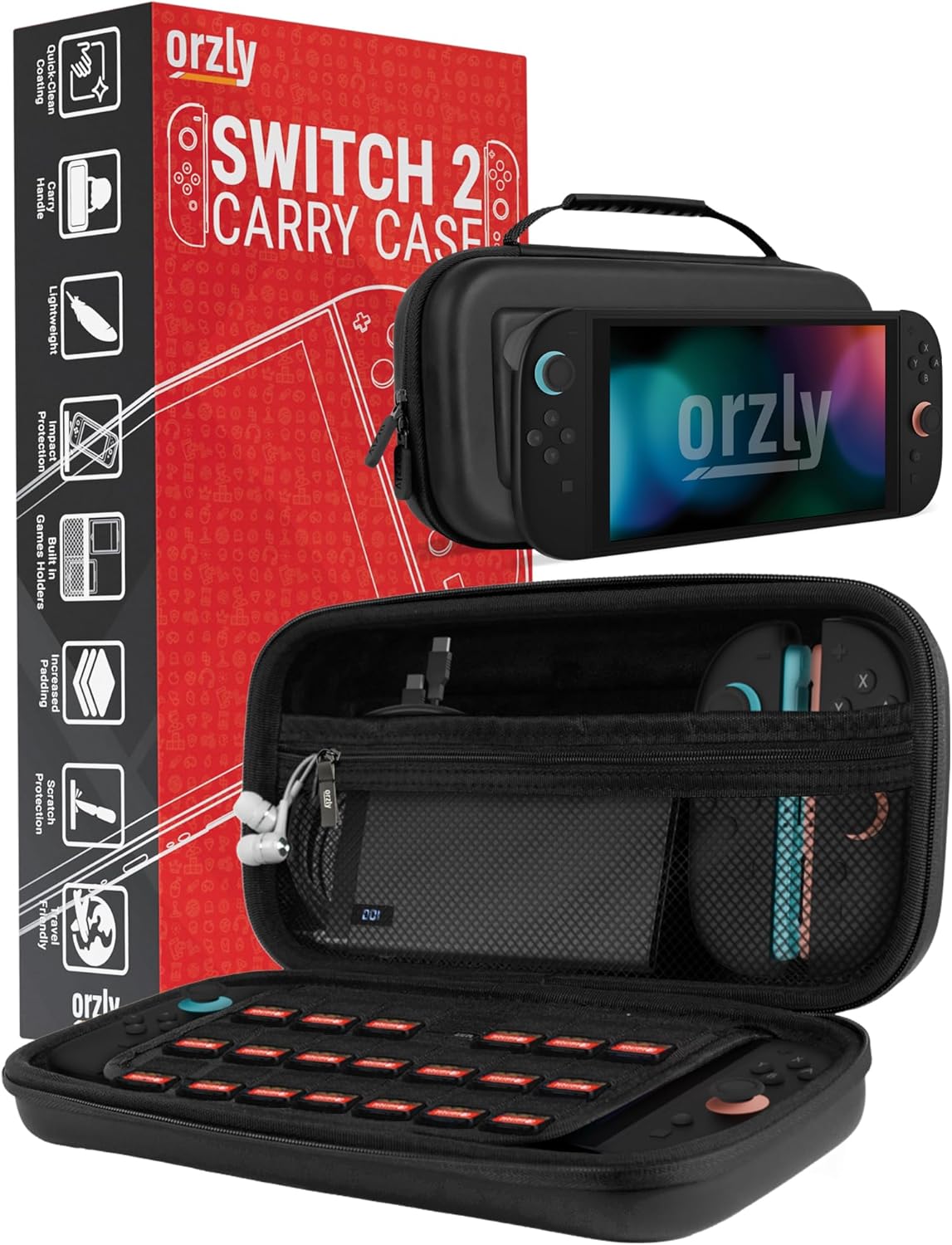
Orzly Carrying Case for Nintendo Switch 2 2025 Console with Screen Padding

Metapen A8 Pencil for iPad 2018-2026, Palm Rejection, 4-Min Fast Charge
